Roblox icons
Roblox Game Icon Maker
BloxToolKit's Roblox icon maker uses AI to generate game icons from a short description of your game. You get several options per run in a consistent Roblox style, ready to upload as your experience's square icon, with style presets, reference images and HD upscaling to make them pop.
Updated
Examples made with BloxToolKit
Each image below was generated from the prompt underneath it.
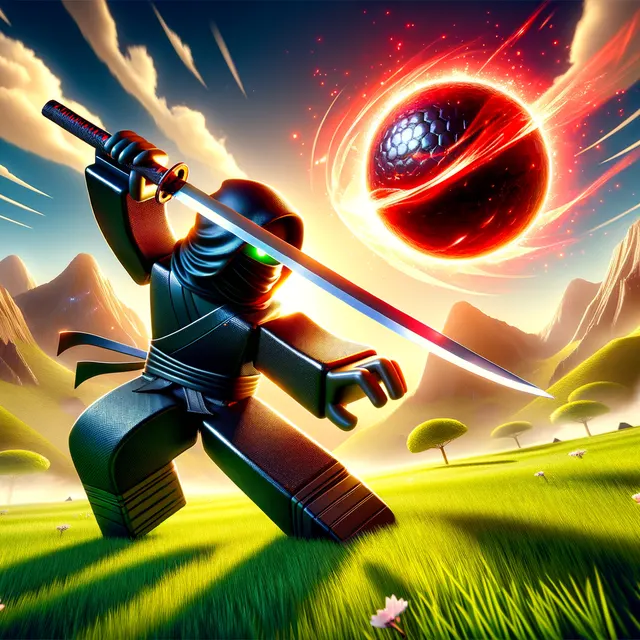
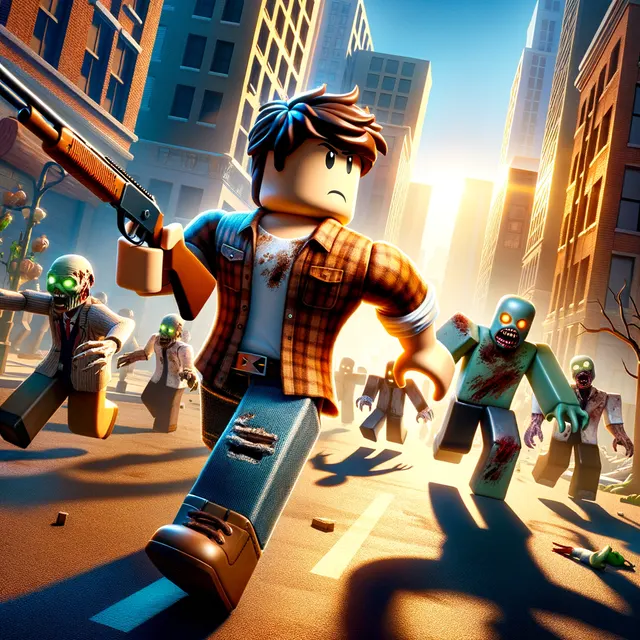
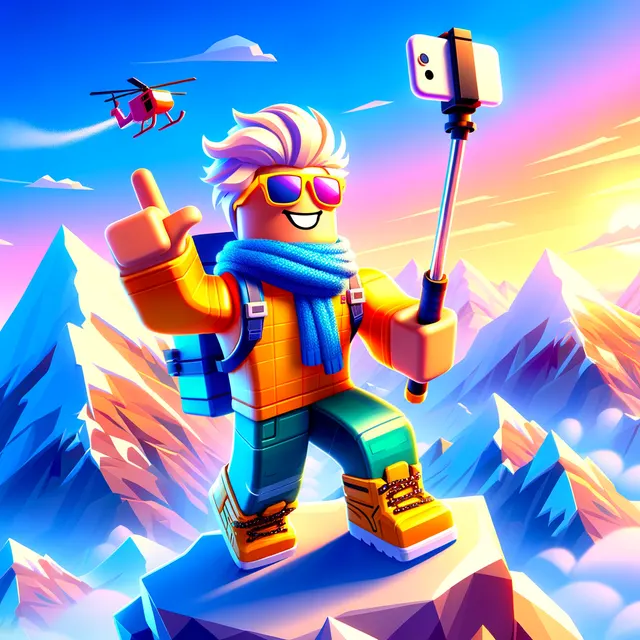
How to make a Roblox game icon
- 1
Describe your game's hook
Focus on the one thing that makes your game different: the pet, the weapon, the monster or the reward.
- 2
Choose a style
Pick one of 12 presets so the icon's lighting and colors fit your game's genre.
- 3
Generate options
Get 3, 5 or 7 icons per batch, depending on your plan, and compare them.
- 4
Upload the winner
Export the best one and upload it as your experience icon (square, 512×512) in the Roblox Creator Dashboard.
Roblox icon tips that raise click-through
- Icons are shown much smaller than thumbnails, so use one large subject and a simple background.
- Keep the important part in the center; corners can be rounded or cropped in some views.
- Use a bright, saturated color that stands out from the icons next to yours.
- A face with a strong expression is easier to read than a wide scene.
- Make the icon and thumbnail look like the same game so players recognise it.
Icon vs thumbnail
| Game icon | Game thumbnail | |
|---|---|---|
| Shape | Square (1:1) | Widescreen (16:9) |
| Recommended size | 512×512 px | 1920×1080 px |
| Where players see it | Discover lists, search, home page tiles | Experience page carousel, some Discover views |
| Best content | One bold subject or character face | An action scene that shows the gameplay |
BloxToolKit's image tool makes both, so you can keep your icon and thumbnails in a matching style.
Frequently asked questions
Related
- Roblox Thumbnail MakerMake click-worthy Roblox game thumbnails with AI. Type a prompt, pick a style preset, and get Roblox-style thumbnails in seconds. 12 styles, 2K/4K HD.
- Roblox Thumbnail & Icon SizeRoblox thumbnail size is 1920×1080 (16:9) and the game icon is 512×512 (1:1). Specs, safe areas and tips for thumbnails and icons that get clicks.
- Best AI Tools for RobloxThe best AI tools for Roblox creators in 2026: AI for thumbnails and icons, game ideas, Luau scripting and in-Studio help, and what each is best at.
- PricingBloxToolKit pricing: Starter $19/mo (500 credits), Growth $39/mo (1,200 credits), Pro $79/mo (2,800 credits). Save up to 37% with yearly billing.
Make your next Roblox hit with BloxToolKit
Thumbnails, icons, game ideas and Luau scripts in one toolkit. Plans start at $19/month.