Roblox thumbnails
AI Roblox Thumbnail Maker
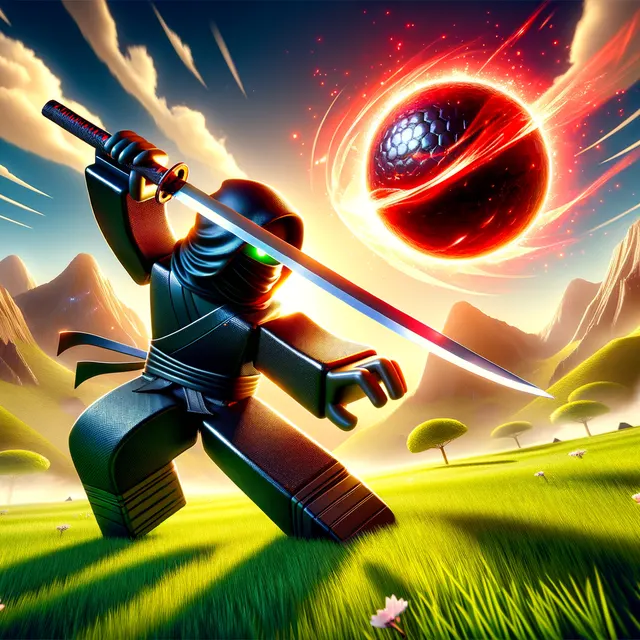
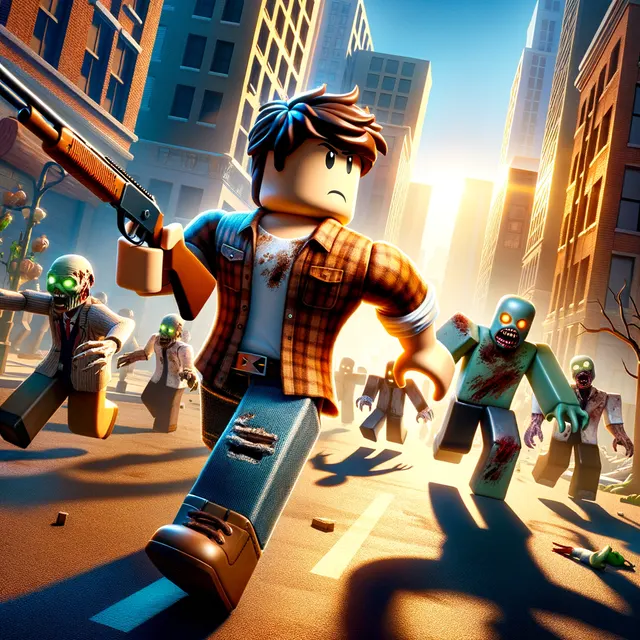
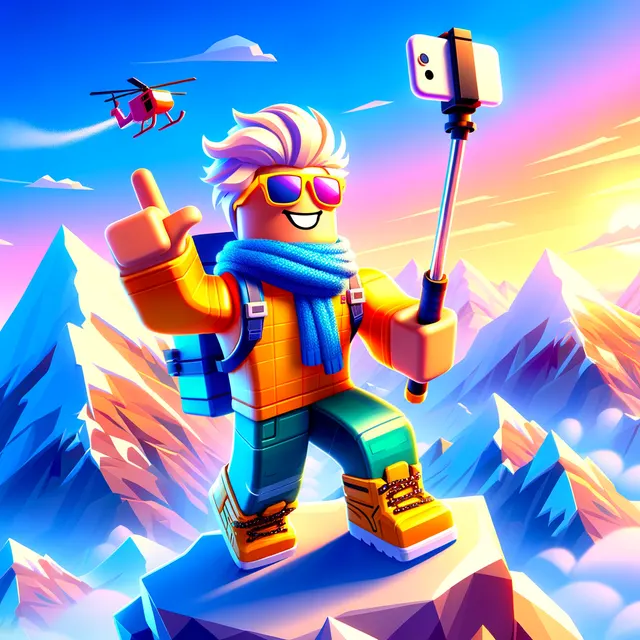
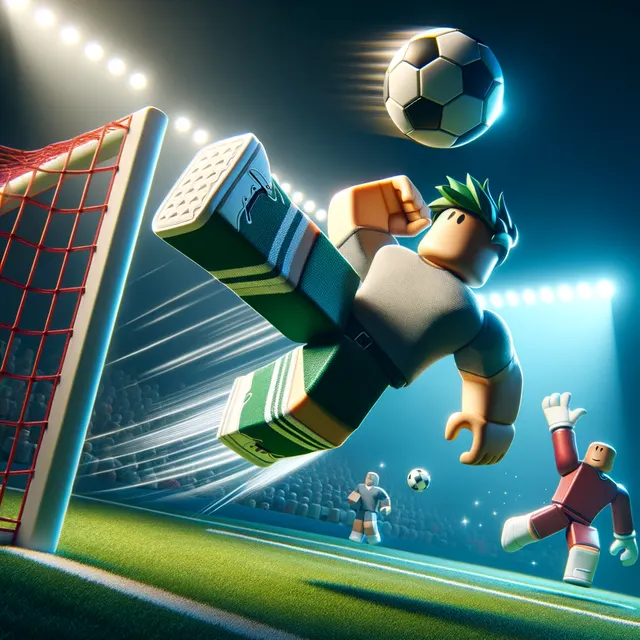
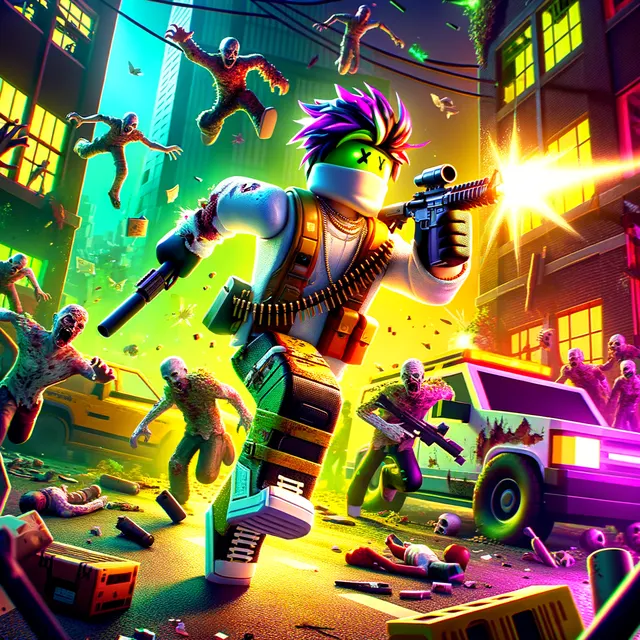
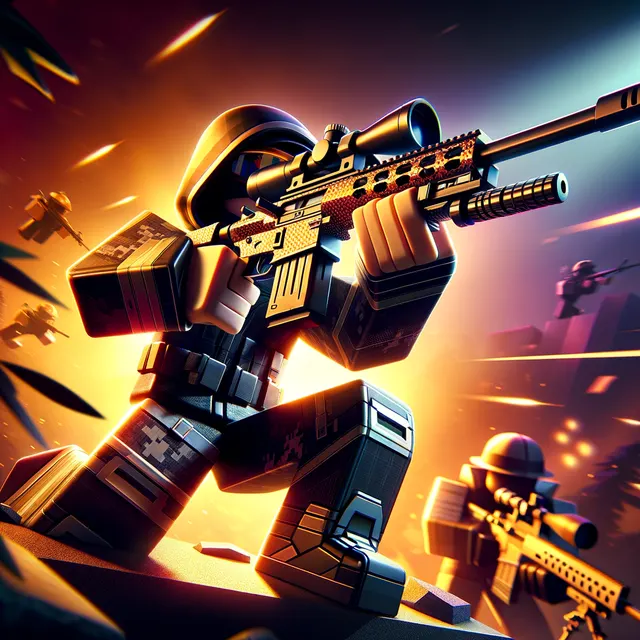
BloxToolKit's AI Roblox thumbnail maker turns a one-line prompt into finished game thumbnails in a consistent Roblox style: blocky avatars, bright lighting and bold action. Each run gives you a batch of options (3, 5 or 7 by plan), with 12 style presets and optional 2K/4K upscaling.
Updated
Examples made with BloxToolKit
Each image below was generated from the prompt underneath it.
How to make a Roblox thumbnail with AI
- 1
Describe the scene
Write what should happen in the thumbnail, for example "a ninja deflecting a fireball with a katana". Name the action, the setting and the mood.
- 2
Pick a style preset
Choose one of 12 presets, such as Cinematic, Neon or Horror, to set the lighting and color treatment.
- 3
Add a reference image (optional)
Upload a screenshot or an old thumbnail and the AI matches its style, lighting and color palette. Available on Growth and Pro.
- 4
Generate a batch and pick the best
You get 3, 5 or 7 options per run depending on your plan, so you can compare them side by side.
- 5
Upscale and upload
Upscale the winner to 2K or 4K (Growth and Pro), then upload it to your experience on the Roblox Creator Dashboard.
What makes a Roblox thumbnail get clicks
Players decide in a split second while scrolling the Discover page, usually on a phone. Thumbnails that win the click tend to share a few traits:
- One clear subject doing one clear action, readable at a small size.
- Strong contrast between the character and the background.
- A visible promise of the gameplay: the weapon, the pet, the obby, the monster.
- Big emotion: surprise, danger, triumph.
- Little or no small text, which becomes unreadable on mobile.
- A style that matches what Roblox players expect, so it looks like it belongs on Roblox.
Because the AI is tuned for Roblox visuals, every output already uses blocky Roblox-style avatars and environments, so you can spend your time testing ideas instead of posing models in Blender.
Thumbnail maker features
| Feature | Starter | Growth | Pro |
|---|---|---|---|
| Images per batch | 3 | 5 | 7 |
| Style presets (Cinematic, Neon, Horror and more) | 12 | 12 | 12 |
| Reference image upload | No | Yes | Yes |
| 2K / 4K HD upscaling | No | Yes | Yes |
| Thumbnails & icons per month | up to 250 | up to 600 | up to 1,400 |
A standard image costs 2 credits and an HD (2K/4K) image costs 3. The same credits also cover the game idea generator and the Luau code assistant.
Frequently asked questions
Related
- Roblox Icon MakerCreate eye-catching Roblox game icons with AI. Describe your game, choose a style, and get several 512×512-ready icon options in seconds.
- Roblox Thumbnail & Icon SizeRoblox thumbnail size is 1920×1080 (16:9) and the game icon is 512×512 (1:1). Specs, safe areas and tips for thumbnails and icons that get clicks.
- Roblox Game Idea GeneratorGenerate complete Roblox game ideas with AI: hook, core loop and monetization, tuned to what's feasible on Roblox. Control how unique the idea is.
- PricingBloxToolKit pricing: Starter $19/mo (500 credits), Growth $39/mo (1,200 credits), Pro $79/mo (2,800 credits). Save up to 37% with yearly billing.
Make your next Roblox hit with BloxToolKit
Thumbnails, icons, game ideas and Luau scripts in one toolkit. Plans start at $19/month.